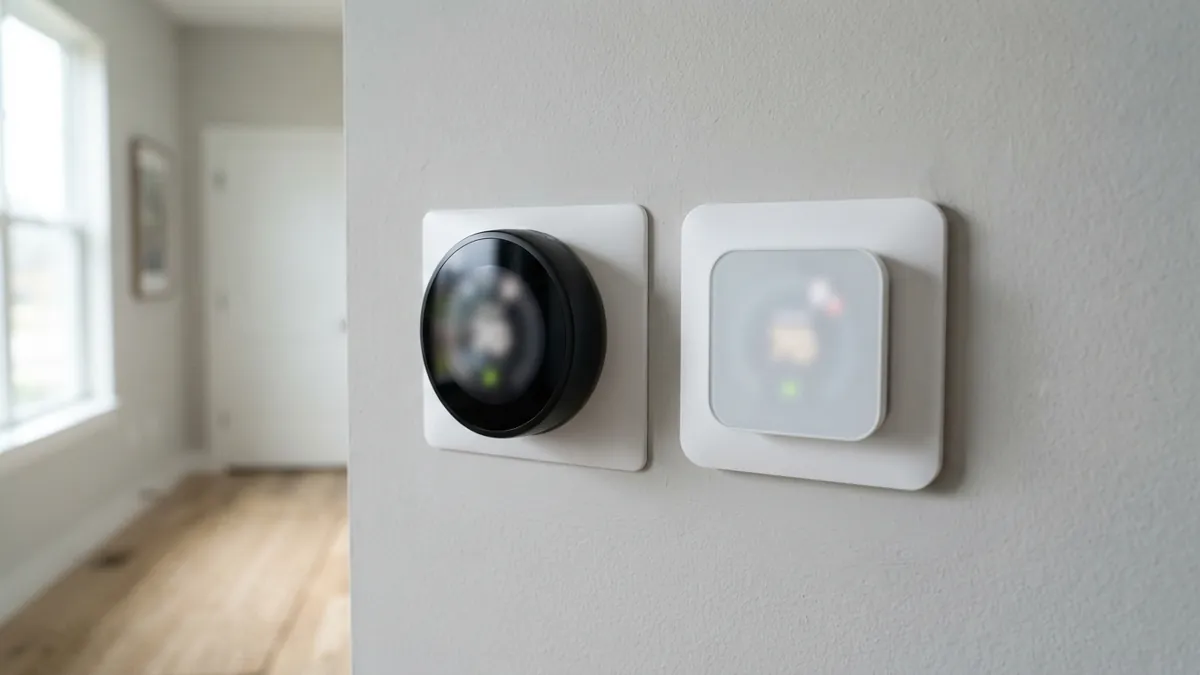
Both Ecobee and Google Nest make excellent smart thermostats, and either can trim heating and cooling costs. The short version: choose Ecobee if you want room sensors that detect occupancy, built-in Alexa, and detailed control over heat pump and aux heat settings; choose Nest if you want the simplest setup, a polished learning schedule, and tight integration with Google Home and Matter. The savings difference between them is small; how you set them up matters more.
Product lineups and prices change. Figures below reflect the flagship models at launch: the Google Nest Learning Thermostat (4th gen) at $279.99 and the Ecobee Smart Thermostat Premium at $249.99 (Tom’s Guide comparison). Check current prices and models before buying.
Quick comparison (flagship models)
| Ecobee Smart Thermostat Premium | Google Nest Learning Thermostat (4th gen) | |
|---|---|---|
| Launch price | $249.99 | $279.99 |
| Remote sensor included | Yes, with occupancy detection | Yes, temperature sensor |
| Smart speaker | Built-in Alexa | No |
| Smart home platforms | Alexa, Google, Apple HomeKit, others | Google Home, Matter (works with Alexa and HomeKit via Matter) |
| Air quality monitoring | Yes | Yes |
| Learning | Comfort settings and schedules, occupancy-based adjustments | Learns your schedule automatically |
| Heat pump and aux heat controls | Very detailed thresholds | Good, simpler |
| C wire | Needs continuous power (adapter kit available) | Works without one on many systems |
Where Ecobee wins
- Room sensors with occupancy detection. The thermostat can average temperatures across occupied rooms, which helps two-story homes and rooms far from the thermostat. See AC running but upstairs is hot.
- Heat pump control. Detailed thresholds let you limit expensive backup heat. See Ecobee aux heat running too much.
- Built-in Alexa on the Premium model.
- Broad platform support, including Apple HomeKit.
Where Nest wins
- Ease of use. The learning schedule builds itself from your adjustments.
- Design and a bright, simple display.
- Matter and Google Home integration.
- Fewer wiring headaches on many systems without a C wire, although power issues can still appear. See Nest thermostat not cooling or heating.
Energy savings
Both companies claim meaningful savings, and independent studies of smart thermostats generally find savings of several percent on heating and cooling, with the biggest gains in homes that previously didn’t use setbacks. Your results depend on schedules, setbacks and climate. See what temperature to set your AC in summer.
Compatibility checklist
- Check the manufacturer’s online compatibility tool with a photo of your current wiring.
- Confirm whether you have a C wire: installing a smart thermostat without a C wire.
- Check for special systems: dual fuel, multi-stage heat pumps, humidifiers or boilers may need specific models or accessories.
- Look for utility rebates; many utilities offer $50 to $100 or more for qualifying smart thermostats.
Which should you buy?
| If you… | Choose |
|---|---|
| Have a heat pump and want to control aux heat closely | Ecobee |
| Have hot or cold rooms and want occupancy-based averaging | Ecobee |
| Use Google Home or want Matter | Nest |
| Want the simplest, set-and-forget experience | Nest |
| Use Apple HomeKit | Ecobee (or Nest via Matter) |
| Have no C wire and don’t want to add one | Nest is often easier, but check compatibility |
If you have a heat pump: how each handles aux heat
This is where the two brands differ most, and it can matter more than any other feature, because backup heat can cost several times as much to run as the heat pump.
| Ecobee | Nest | |
|---|---|---|
| How aux heat is controlled | Settings you choose, such as aux heat max outdoor temperature and compressor min outdoor temperature | Heat Pump Balance chooses the lockout temperature for you (Max Comfort, Balanced or Max Savings), or you can set it manually |
| Best for | Owners who want to fine-tune exactly when backup heat runs | Owners who want a good result without adjusting thresholds |
| Watch out for | Defaults that let aux heat run more than needed | The default, Max Comfort, uses aux heat the most |
For step-by-step settings, see ecobee aux heat running too much and Nest aux heat and Heat Pump Balance.
Common problems with each (and how to fix them)
Both brands are reliable, but most support questions come from power and settings, not hardware failures:
| Problem | Brand | Fix |
|---|---|---|
| “Delayed” message on the screen | Nest | Nest “Delayed” message |
| Battery keeps running low | Nest | Nest thermostat low battery |
| Running but no cooling or heating | Nest | Nest not cooling or heating |
| Aux heat runs too much | Nest | Nest Heat Pump Balance |
| “Calibrating” or no heat | Ecobee | Ecobee not heating |
| Aux heat runs too much | Ecobee | Ecobee aux heat running too much |
| No C wire | Both | Smart thermostat without a C wire |
How much will either one save?
ENERGY STAR estimates that certified smart thermostats save about 8% on heating and cooling bills on average. Your result depends far more on how you use the thermostat (realistic setbacks, schedules that match your life, and heat pump aux settings) than on which brand you buy. Before you buy, check your utility’s website: many offer a rebate on ENERGY STAR certified smart thermostats.
Frequently asked questions
Which saves more energy, Ecobee or Nest?
Differences are small. Proper schedules and moderate setbacks matter more than the brand.
Do Ecobee and Nest work with heat pumps?
Yes. Both support most heat pumps, including auxiliary heat. Ecobee offers more detailed aux heat thresholds.
Can I install a smart thermostat myself?
Most homeowners can, with power off and a photo of the old wiring. See thermostat wiring colors explained.
Disclaimer: this guide is for general information only. Turn off power at the breaker before touching thermostat wiring. Contact a licensed HVAC professional for electrical diagnosis.