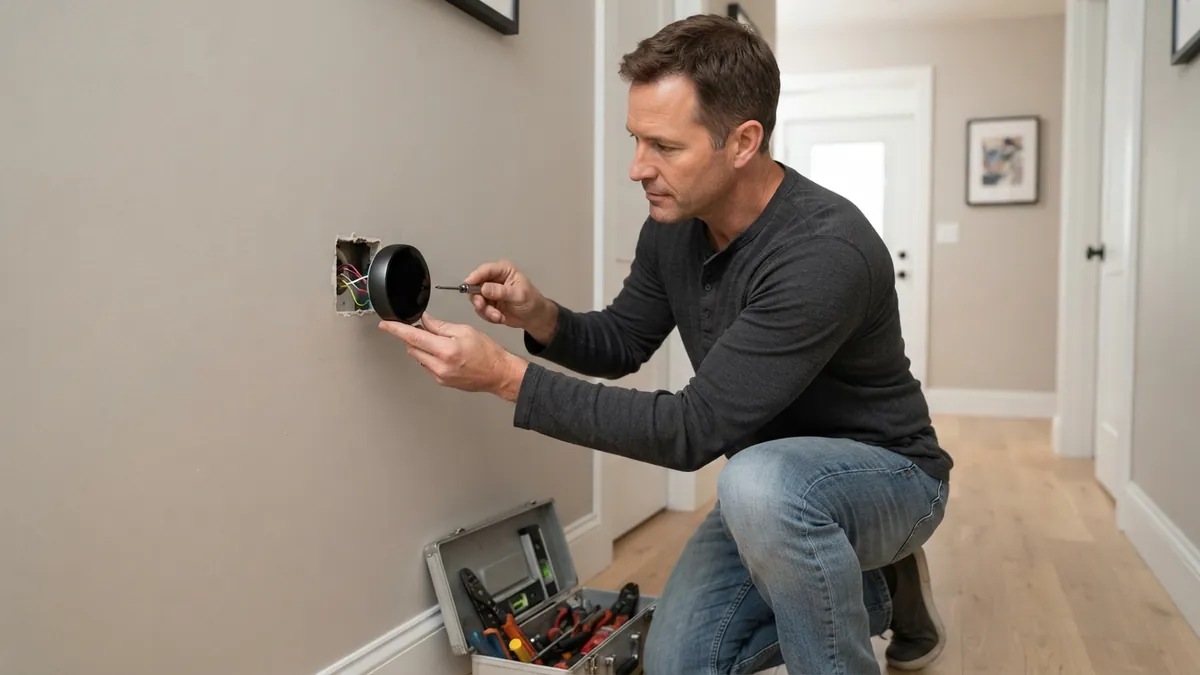
You can install most smart thermostats without a C wire in one of four ways: use an unused spare wire already in the wall, install a C-wire adapter (power extender kit) at the furnace, choose a thermostat that’s designed to work without one, or have a technician run a new wire. The C (common) wire provides continuous 24-volt power; without it, many smart thermostats “power-steal” through other wires, which can cause blank screens, random reboots, or the furnace or AC turning on and off by itself.
How to check whether you already have a C wire
- Turn off power at the breaker.
- Remove the thermostat from its base and look at the terminals. Is a wire on “C”?
- Look into the wall opening for an extra wire folded back, often blue or black.
- At the furnace or air handler, open the panel and look at the control board’s thermostat terminal block. If the same cable has a wire connected to “C” or “COM” there, you have a C wire; connect the other end to C at the thermostat.
Option 1: Use an unused spare wire
Many thermostat cables have more conductors than the old thermostat used. If there’s an unused wire at both ends, connect it to C at the thermostat and to C on the furnace control board. This is the cleanest solution.
Option 2: Install a C-wire adapter (power extender kit)
Several thermostat makers include or sell an adapter that installs at the furnace and lets the existing wires carry common power. For example, Ecobee thermostats include a Power Extender Kit with some models, and adapters are available for other brands. Installation means working inside the furnace cabinet, so turn off power and follow the instructions carefully.
Option 3: Choose a thermostat that works without one
Some smart thermostats are designed to work on many systems without a C wire, using power stealing or batteries. Compatibility depends on your system. Check the manufacturer’s compatibility checker before buying.
Option 4: Run a new thermostat cable
A technician or handy homeowner can pull a new 18-gauge thermostat cable (5 to 8 conductors) through the wall. Expect $100 to $300 if you hire someone, more for difficult routes. This also lets you add wires for future features like a second stage.
What not to do
- Don’t use a plug-in transformer without following the manufacturer’s instructions; wiring errors can damage the thermostat or the HVAC control board.
- Don’t connect the C wire to the R terminal; that shorts the transformer.
- Don’t rely on power stealing if your system starts short cycling, clicking or turning on by itself after installation. Add a C wire.
Signs your smart thermostat needs a C wire
- The screen goes blank or the thermostat reboots. See thermostat blank screen.
- Low battery warnings even though it’s wired.
- The furnace or AC turns on and off randomly.
- Wi-Fi disconnects frequently.
Power problems on a smart thermostat often show up as the Nest “Delayed” message. For other brands, see Honeywell thermostat not working.
On a Nest, a missing C wire often shows up as a battery that keeps dying. See Nest thermostat low battery.
On an ecobee, a missing C wire can cause reboots and “Calibrating” with no heat. See ecobee not heating.
Frequently asked questions
Does Nest need a C wire?
Many Nest models work without one on many systems, but Google recommends a C wire for some systems, and problems such as reboots are often solved by adding one.
Does Ecobee need a C wire?
Ecobee thermostats need continuous power; if you don’t have a C wire, use the included or optional Power Extender Kit.
How much does it cost to add a C wire?
Using a spare wire is free. Adapter kits cost about $20 to $40. Running a new cable usually costs $100 to $300 with a technician.
See our full thermostat wiring colors guide before connecting anything.
Disclaimer: this guide is for general information only. Turn off power at the breaker before touching thermostat wiring. Contact a licensed HVAC professional for electrical diagnosis.