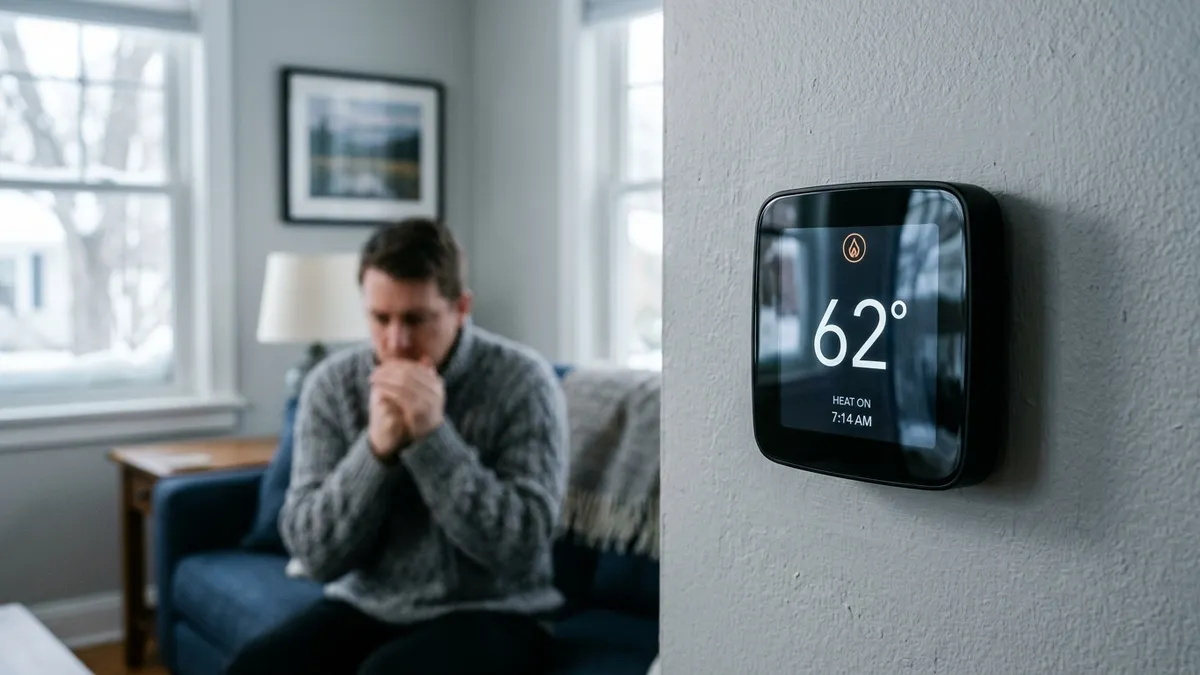
If your ecobee isn’t heating, start with the quick checks: make sure the system mode is Heat or Auto, the setpoint is above room temperature, and the screen doesn’t say “Calibrating”, which disables heating and cooling for a few minutes after every restart. If those are fine, the problem is usually power to the thermostat, a wiring or equipment setting in the ecobee, or the furnace or heat pump itself.
Last updated: November 2026. Applies to current ecobee smart thermostats; menu names can vary slightly by model and software version.
Quick checks first
| What you see | Likely cause | Fix |
|---|---|---|
| “Calibrating” on the screen | Normal after a restart, power outage or update | Wait 5 to 20 minutes |
| Mode set to Off or Cool | Wrong mode | Set to Heat or Auto |
| Setpoint at or below room temperature | No call for heat | Raise it 2 to 3 degrees |
| “Hold” or a vacation event active | Schedule overridden | Cancel the hold or vacation |
| Heat icon shows but no warm air | Equipment isn’t responding | See below |
| Screen blank or rebooting | Power problem | Check power and the C wire |
1. “Calibrating: heat and cool disabled”
After a restart, a power outage or a software update, an ecobee calibrates its sensors and won’t run heating or cooling until it finishes. That usually takes 5 to 20 minutes. If it calibrates for much longer, or goes back to calibrating again and again, the thermostat is probably rebooting, which points to a power problem (see step 3).
2. Check the mode, schedule and comfort settings
- Set the system mode to Heat (or Auto with a heat setpoint above room temperature).
- Look for a hold or vacation that’s overriding your schedule.
- If you use Eco+ or a smart away setting, the thermostat may be holding a lower temperature on purpose. Check the current comfort setting on the home screen.
3. Make sure the ecobee has steady power
Ecobee thermostats need constant 24-volt power, usually from a C (common) wire. Without it, many installations use the Power Extender Kit (PEK), which is installed at the furnace. Power problems show up as reboots, constant calibrating, a dark screen or heating that starts and stops.
- Check the furnace breaker, service switch and door panel. Many furnaces cut power when the door isn’t fully closed.
- Check for a blown 3- or 5-amp fuse on the furnace control board.
- If the system recently shut down on a safety (for example, a clogged condensate drain), the thermostat may lose power too.
See smart thermostat without a C wire for C-wire options.
4. Check the wiring
With the power off, pull the ecobee off its base and check that each wire is fully seated and that the terminal tabs are pressed down. The W1 wire calls for furnace heat; on a heat pump, Y1 and O/B control heating, and W1/AUX controls backup heat. Our thermostat wiring colors chart shows what each terminal does.
5. Check the equipment settings in the ecobee
Wrong installation settings are a very common cause of “no heat” after a new install. In the ecobee menu, under the installation or equipment settings, check:
- Equipment type: furnace, heat pump, boiler or dual fuel must match what you actually have.
- Heat pump reversing valve (O/B): if this is set wrong, a heat pump will cool when you ask for heat. Most brands energize O in cooling; some use B in heating.
- Compressor minimum outdoor temperature: if it’s set too high, the heat pump won’t run in cold weather and the ecobee waits for aux heat. See ecobee aux heat running too much.
- Aux heat max outdoor temperature: if it’s set too low, aux heat may never come on when the heat pump needs help.
6. If the ecobee says it’s heating but the house stays cold
When the ecobee shows it’s calling for heat and nothing warms up, the thermostat is usually doing its job and the problem is the equipment:
- Gas furnace: check the filter and the furnace’s status light, then work through furnace not turning on and thermostat says heat on but no heat.
- Heat pump: brief cool air during defrost is normal; long periods of cold air are not. See heat pump blowing cold air and heat pump defrost mode.
7. Restart or update the ecobee
From the menu, restart the thermostat, or remove it from the wall plate for 30 seconds and put it back. It will calibrate again, so give it a few minutes. Make sure it’s connected to Wi-Fi so it can install updates.
When to call an HVAC technician
Call a technician if the furnace or heat pump doesn’t start even though the ecobee is calling for heat, a fuse keeps blowing, you’re not sure how the equipment is wired, or you need a C wire run. If you have a heat pump that only runs on aux heat, have the outdoor unit checked.
Frequently asked questions
Why does my ecobee say “Calibrating”?
It calibrates its sensors after a restart, power loss or software update. Heating and cooling are disabled for a few minutes until it finishes. If it happens often, the thermostat is losing power.
Why is my ecobee heating to a lower temperature than I set?
Check whether a schedule, Eco+ or a smart away setting is active, and whether the thermostat is reading temperature from a remote sensor in a different room.
Why does my ecobee say “Heat Pump” but the house is cold?
The heat pump may not be keeping up in cold weather, or aux heat is being held back by the aux heat max outdoor temperature setting. See Nest aux heat and Heat Pump Balance for how the same issue works on a Nest, and the ecobee guide linked above.
Disclaimer: this guide is for general information only. HVAC systems involve high voltage and gas. When in doubt, contact a licensed HVAC professional.