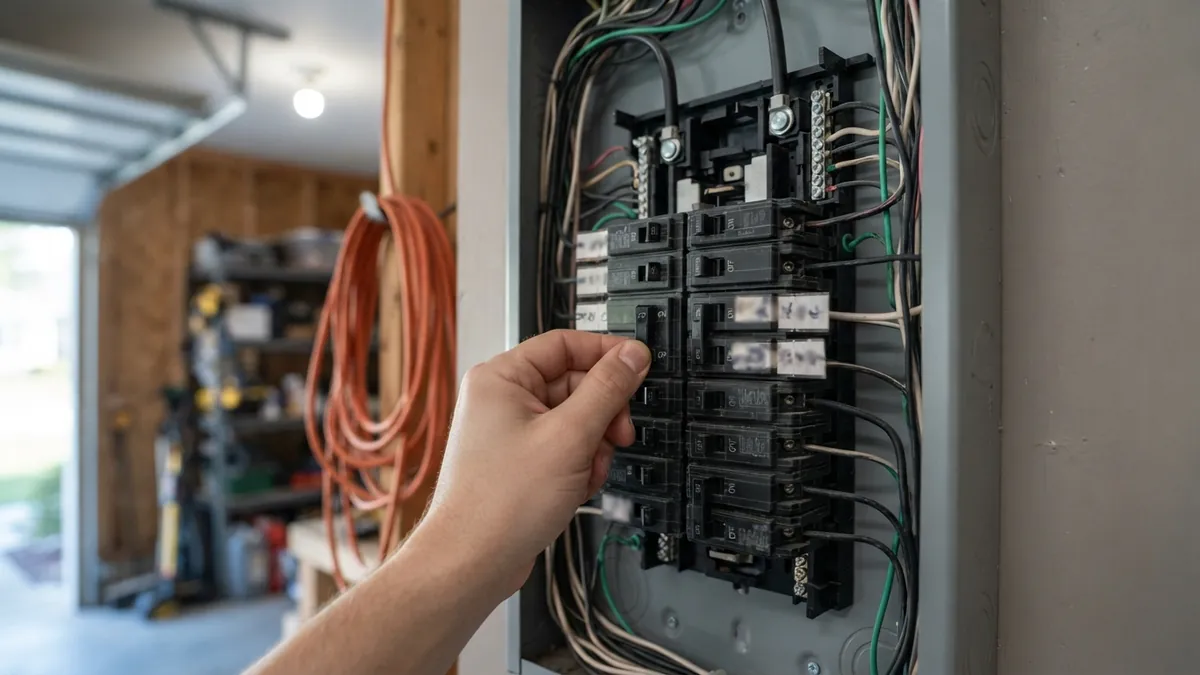
To reset a central air conditioner, turn the thermostat to OFF, switch off the AC breaker (and the outdoor disconnect), wait at least 5 minutes, then turn the power back on and set the thermostat to COOL. That simple power cycle clears many electronic glitches and gives the compressor’s protection timer time to reset. Some units also have a reset button; others don’t.
Here are the reset steps for the most common situations, and when a reset isn’t the answer.
When a reset helps
- After a power outage or brownout.
- After a breaker trip that you’ve already reset.
- After a thermostat replacement or battery change.
- When the system won’t respond but everything else checks out.
A reset won’t fix a dirty filter, a frozen coil, a clogged drain, a bad capacitor or a refrigerant leak. If the AC stops again after a reset, look for the underlying cause in our AC not cooling guide.
Method 1: Reset the thermostat
- Set the thermostat to OFF.
- Replace the batteries if it has them.
- For smart thermostats, restart the device from its settings menu, or remove it from the wall plate for 30 seconds and reattach it.
- Set the mode to COOL and the setpoint at least 5 degrees below room temperature.
- Wait 5 minutes; most systems have a built-in compressor delay.
Method 2: Power-cycle the system (the most effective reset)
- Set the thermostat to OFF.
- Turn off the AC breaker in your main panel. Some systems have separate breakers for the outdoor unit and the indoor air handler or furnace; turn off both.
- Turn off the outdoor disconnect next to the outdoor unit.
- Wait at least 5 minutes, and up to 30 minutes after a power outage.
- Turn the disconnect and the breakers back on.
- Set the thermostat to COOL and give the system 5 to 10 minutes to start.
Method 3: Use the reset button (if your unit has one)
Some outdoor units and many indoor air handlers or furnaces have a small red or yellow reset button, often on the motor housing. Press and hold it for about 3 seconds with power on. Don’t press it repeatedly; if a motor keeps tripping, it’s overheating for a reason.
Ductless mini splits and window units
- Mini split: turn off the unit with the remote, switch off its breaker for about 5 minutes, then turn it back on. Many indoor units also have a small manual or reset button under the front cover.
- Window or portable AC: unplug it for 5 minutes. If the plug has a reset button (a GFCI or LCDI plug), press RESET after plugging it back in.
When not to keep resetting
Stop and call a technician if:
- The breaker trips again after a reset.
- The outdoor unit hums or buzzes without the fan spinning (see outdoor AC unit buzzing but not running).
- You see ice, smell burning or hear grinding.
- The AC stops repeatedly within hours.
If the thermostat itself is unresponsive, see Honeywell thermostat not working or Nest thermostat not cooling or heating.
Thermostat flashing “Cool On” after a reset? That’s the normal compressor delay; see Honeywell thermostat “Cool On” flashing.
If the thermostat clicks but the AC never starts, see thermostat clicking but nothing happens.
Frequently asked questions
How long should I wait to reset my AC?
At least 5 minutes, so the compressor’s protection timer resets. After a power outage, wait up to 30 minutes for pressures to equalize.
Do all AC units have a reset button?
No. Many central systems don’t, and the power-cycle method is the standard reset.
Why won’t my AC turn on after a power outage?
The thermostat may have reset to OFF, a breaker may have tripped, or the compressor delay may still be active. Follow the power-cycle steps above.
Disclaimer: this guide is for general information only. HVAC systems involve high voltage and refrigerant. When in doubt, contact a licensed HVAC professional.